InDesign can handle Arabic very well, but only with the right settings. Many layout problems in Arabic catalogues and manuals come from a file prepared for Latin languages and then filled with Arabic text. These are the settings to check before and during an Arabic layout.
1. Use the right composer
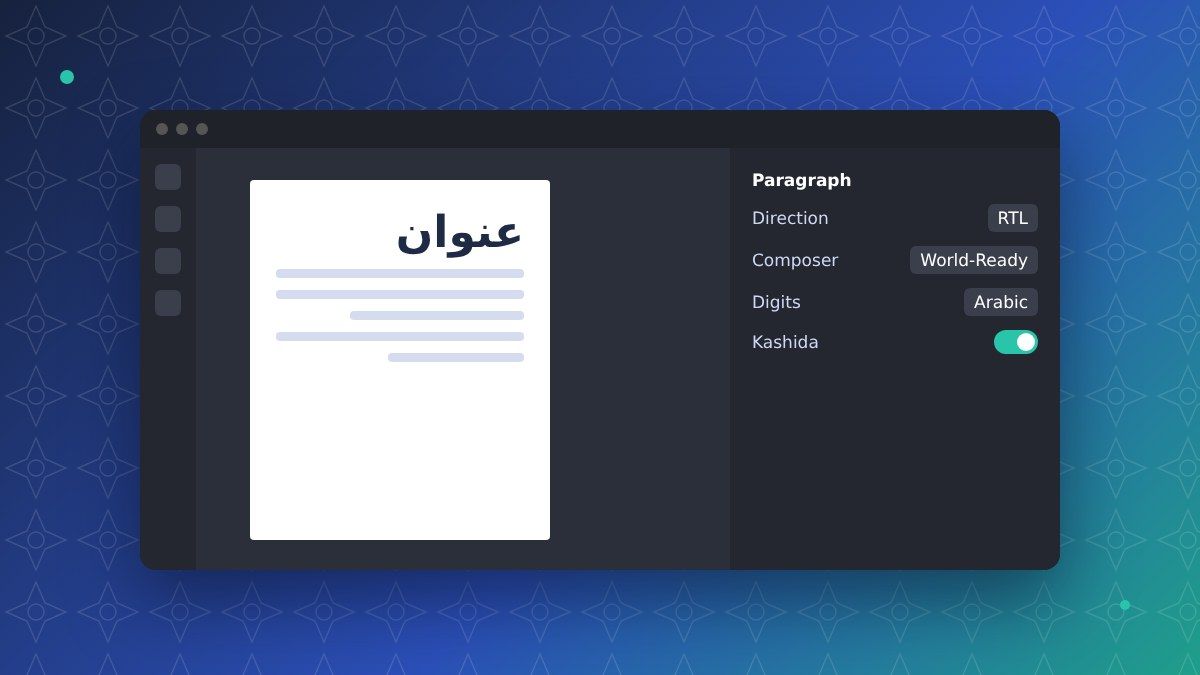
Arabic letters must join and change shape according to their position. In the paragraph settings, choose the World-Ready Paragraph Composer (or the Middle Eastern composer in versions with Middle Eastern features). With the standard Latin composer, letters appear separated and in the wrong order.
2. Paragraph and story direction
Set the paragraph direction to right-to-left for Arabic text. In bilingual documents, Arabic and Latin paragraphs need different styles, each with its own direction and alignment. Tables also have a direction: an Arabic table starts from the right.
3. Digits
InDesign can display Western or Arabic-Indic digits for the same text. Choose the digit system agreed with the client in the character settings or in the styles, and check that product codes and standards are not changed. Read Western or Arabic-Indic digits.
4. Justification and kashida
Arabic justified text is not spaced like Latin text: it can be lengthened with kashida, the horizontal stroke that joins letters. Use kashida with moderation and only with fonts that support it, otherwise justified Arabic text shows large gaps or awkward stretches.
5. Fonts and missing glyphs
Use fonts with full Arabic support and check the missing fonts and glyphs report before export. A missing font is replaced silently in some workflows, and the letters stop joining. See our guide to Arabic fonts for print and web.
6. Mirroring the layout
An Arabic document is read from right to left: the binding is on the right, pages turn the other way and many elements, such as arrows, timelines and step numbers, must be mirrored. Logos, photos of products and text inside images usually stay as they are.
7. Final checks
- Every paragraph style has the right direction and composer
- Digits are consistent in text, tables and captions
- No missing fonts or glyphs
- Hyphenation turned off for Arabic
- Arrows, page numbers and binding side checked
- PDF checked by a native Arabic reader before printing
How we work
Our Arabic DTP team works in InDesign, Illustrator and other layout programs, prepares Arabic and bilingual files with the right settings and has every page checked by a native speaker before delivery. Read the 7 most common Arabic DTP mistakes or request a free quote.
FAQ
Do we need a special version of InDesign?
Recent versions support Arabic with the World-Ready composer. Some features are easier with the Middle Eastern interface, which can be enabled in the language settings.
Can you work on our IDML files?
Yes. Send IDML or INDD files with fonts and links, and we deliver the Arabic files and a print-ready PDF.
Can you translate text directly in our InDesign files?
Yes. We extract the text, translate it with our CAT tools and import it back, so no text is lost or retyped.