An Arabic version of your website opens a market of more than 400 million people across the Middle East and North Africa. But a good Arabic site is not a translated copy of the original: the whole page runs from right to left, the fonts behave differently and people search with their own words. This guide covers the three areas that decide whether an Arabic website works: right-to-left layout, typography and SEO in Arabic.
Right to left: the whole page, not only the text
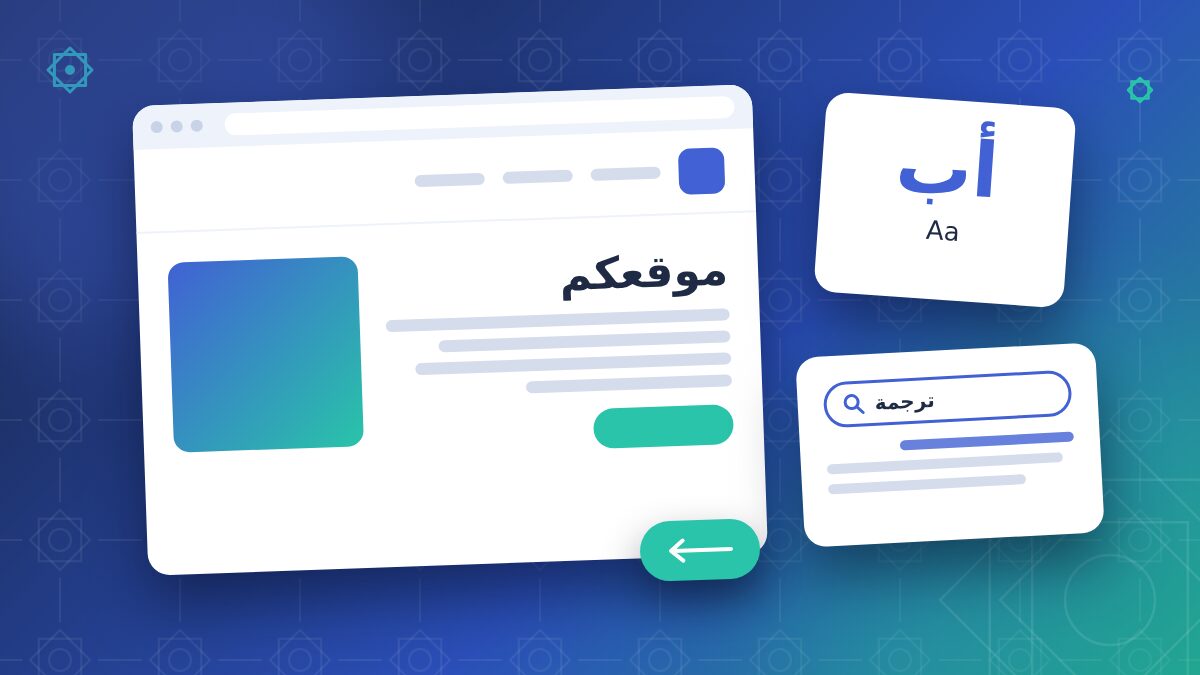
In Arabic the page is read from right to left, so the interface must follow the same direction. Setting the text alignment to the right is not enough.
- Set the language and direction in the HTML: lang="ar" and dir="rtl" on the page, so that browsers, screen readers and search engines read it correctly.
- Mirror the layout: menu, logo position, sidebars, breadcrumbs, sliders and progress bars start from the right.
- Mirror icons that show a direction, such as back and next arrows, but leave logos, product photos and media player controls as they are.
- Use logical CSS properties (margin-inline-start instead of margin-left) so one stylesheet works for both directions.
- Check forms: labels, error messages, phone and email fields. Email addresses, URLs and codes stay left to right inside the Arabic page.
- Test mixed text: English brand names, prices and numbers inside Arabic sentences must appear in the right order.
Fonts and typography
Choose a real Arabic font
Many Latin web fonts have no Arabic characters, and the browser then falls back to a system font that does not match your design. Choose a web font designed for Arabic, with the weights you need, and pair it with your Latin font so the two look balanced on the same page.
Size and line height
Arabic letters have tall ascenders and descenders and many dots and diacritics. At the same font size Arabic text often looks smaller than Latin text, so it usually needs a slightly larger size and more line height.
No letter-spacing, no broken words
Arabic letters are connected. Letter-spacing and justification that stretches letters apart break the words and make them hard to read. Avoid all-caps styles and letter-spacing effects copied from the Latin design.
Content: translate for the reader
Use Modern Standard Arabic for most business websites: it is understood in all Arab countries. Adapt dates, currencies, phone formats and examples to the target market, and check images and colours with someone who knows the local culture. Read more in our article on which Arabic to use for your market.
SEO in Arabic
Keywords in Arabic, not translated keywords
Arabic speakers do not always search with the literal translation of your English keywords. Research the terms people actually use, including spelling variants (for example with or without hamza) and the mix of Arabic and English terms that is common in technical fields.
Technical basics
- One URL per language, for example /ar/, with hreflang tags that link the language versions.
- Translated title tags, meta descriptions, image alt texts and structured data.
- Readable URLs: Arabic slugs work, but short transliterated or English slugs are often easier to share.
- Fast pages: Arabic web fonts can be heavy, so load only the weights you use.
Local signals
If you target specific countries, use their currency and contact details, and consider local business directories and links from Arabic-language sites in your sector.
Quick checklist
- lang="ar" and dir="rtl" set
- Layout and icons mirrored
- Arabic web font with the right weights
- No letter-spacing on Arabic text
- Arabic keyword research done
- hreflang, titles and meta descriptions in Arabic
- Forms, numbers and mixed text tested
- Final check by a native speaker on desktop and mobile
How we work
At Arabic Translators, native Arabic translators localize your website texts, menus, SEO metadata and images, and check the right-to-left result directly on the site or on a test version. Learn more about our Arabic website localization service or request a free quote.
FAQ
Do I need a separate Arabic website?
No. Most content management systems, including WordPress with a multilingual plugin, can host an Arabic version with its own URLs and right-to-left layout.
Can machine translation be used for the website?
It can help for a first draft, but texts that sell your products and SEO keywords need a native translator who knows your market.
Should the Arabic site use Arabic-Indic digits?
It depends on the market and the type of content. Many sites in the Gulf use Western digits for prices and technical data. Choose one system and use it consistently.
Do you work directly in our CMS?
Yes. We can translate exported files or work directly in your CMS, then check the pages in Arabic.